How to use your phone as a remote CCTV
Your phone's camera stream can be viewed over the internet ... for free
You may be aware of numerous techniques or ways of accomplishing this, a simple search on the play/app store will return a number of results which (claim) to accomplish this easily. However, the method outlined in this article will possibily be the easiest way of achieving this
Death before inconvenience - Car Bumber Sticker credits PG Article
All you have to do is to visit vdo.ninja on your phone. Next click on "Add camera to OBS"
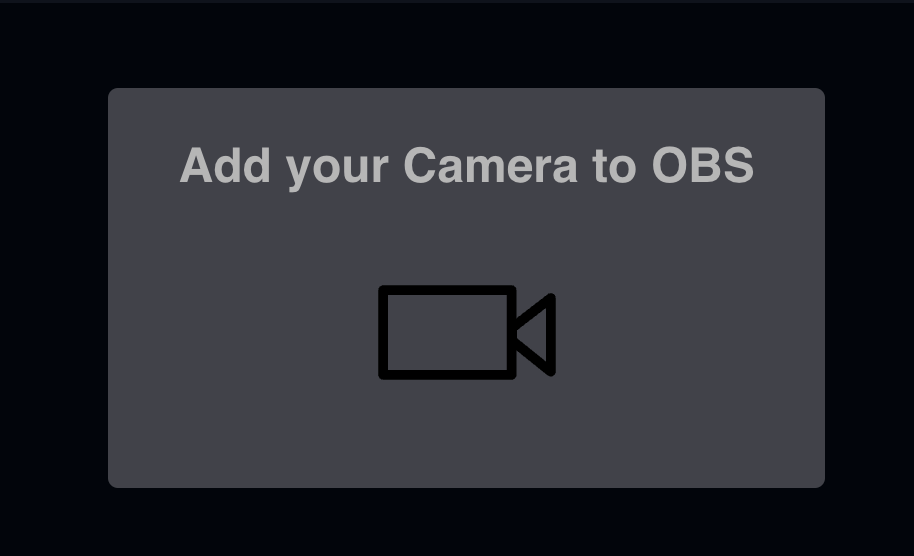
Next just click on start by selecting the appropriate camera (front, back or even external), you should land on a stream where your phone's video capture is being streamed at the top you will see an url which looks something like -
vdo.ninja/?push=<value>
Beneath the url tab you will see a shareable link which you can share to any device and access the stream of your phone, there are many settings and options
for you to explore as well, you can mute/unmute audio as an example.
